

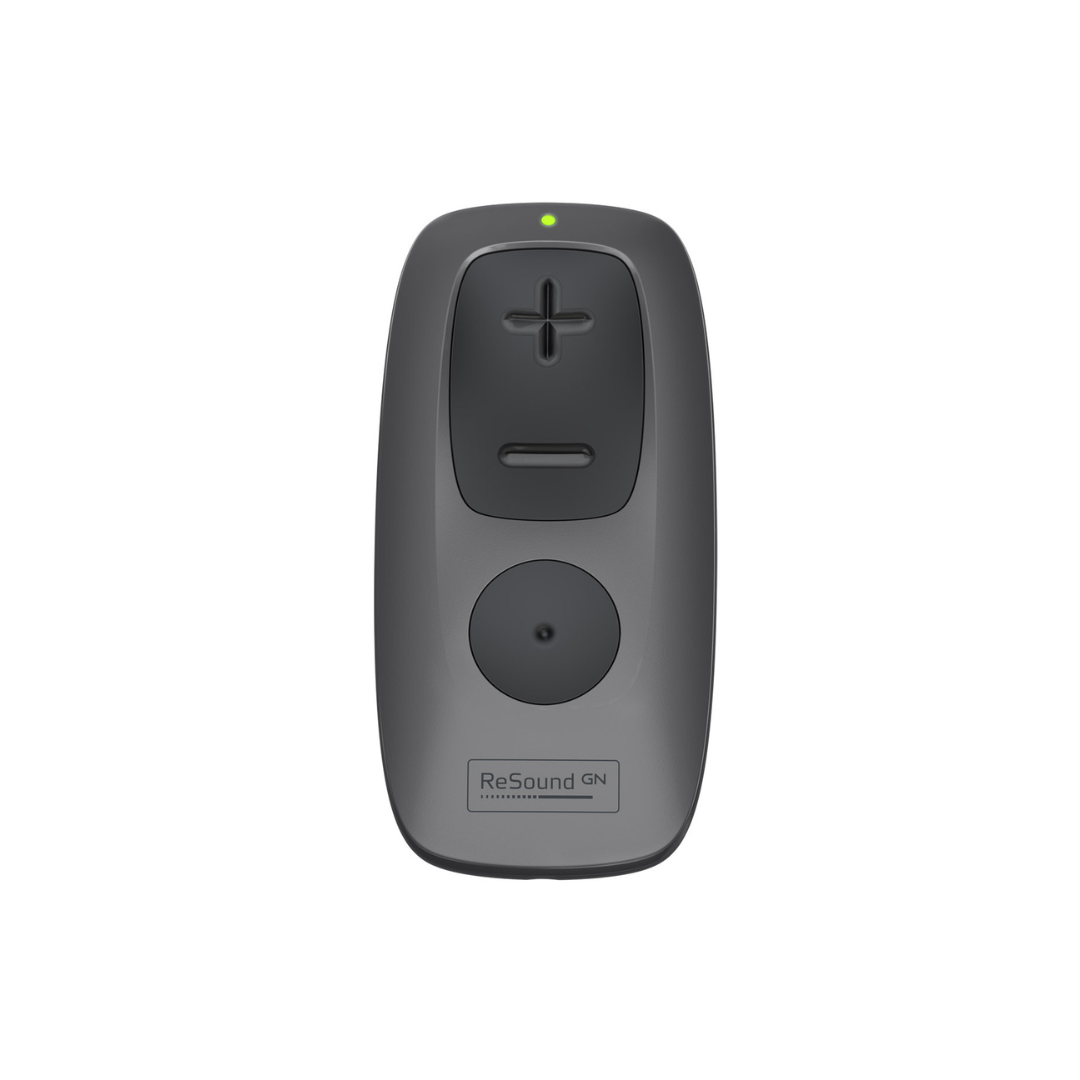
GN ReSound Remote Control 2
£100.00
- Genuine GN ReSound remote control
- Compatible with all GN ReSound hearing aids
- Compact & lightweight
- Large, tactile buttons for easy use even with compromised vision or dexterity
Description
The GN ReSound Remote Control is ideal for anyone who has difficulty using their hearing aid buttons to control the volume or programme of their GN ReSound hearing aids. With a compact, lightweight design this remote control fits easily into your pocket, giving you quick and easy access to your hearing aid controls any time you want them.
How To Use This Device
When you receive your remote control it will come with an instruction manual. Follow the guide to pair the remote control with your hearing aids. Once you have paired the device once your hearing aids will automatically connect to the remote control whenever they are switched on. The remote control has 2 sections. The top section is the volume control – the “+” side will increase the volume and the “-” side will decrease the volume. The bottom section will cause the hearing aids to sycle through any programmes that your audiologist has programmed into your hearing aids (e.g. Background Noise, Telecoil, Music etc.). Please note: If either of these sections do not work it may be that your audiologist has deactivated your volume control or has not programmed any additional programmes into your hearing aids, rather than that the device does not work. We would recommend that you speak to your audiologist to check your settings prior to requesting technical support with the remote control.Reviews